Corner lot site plan
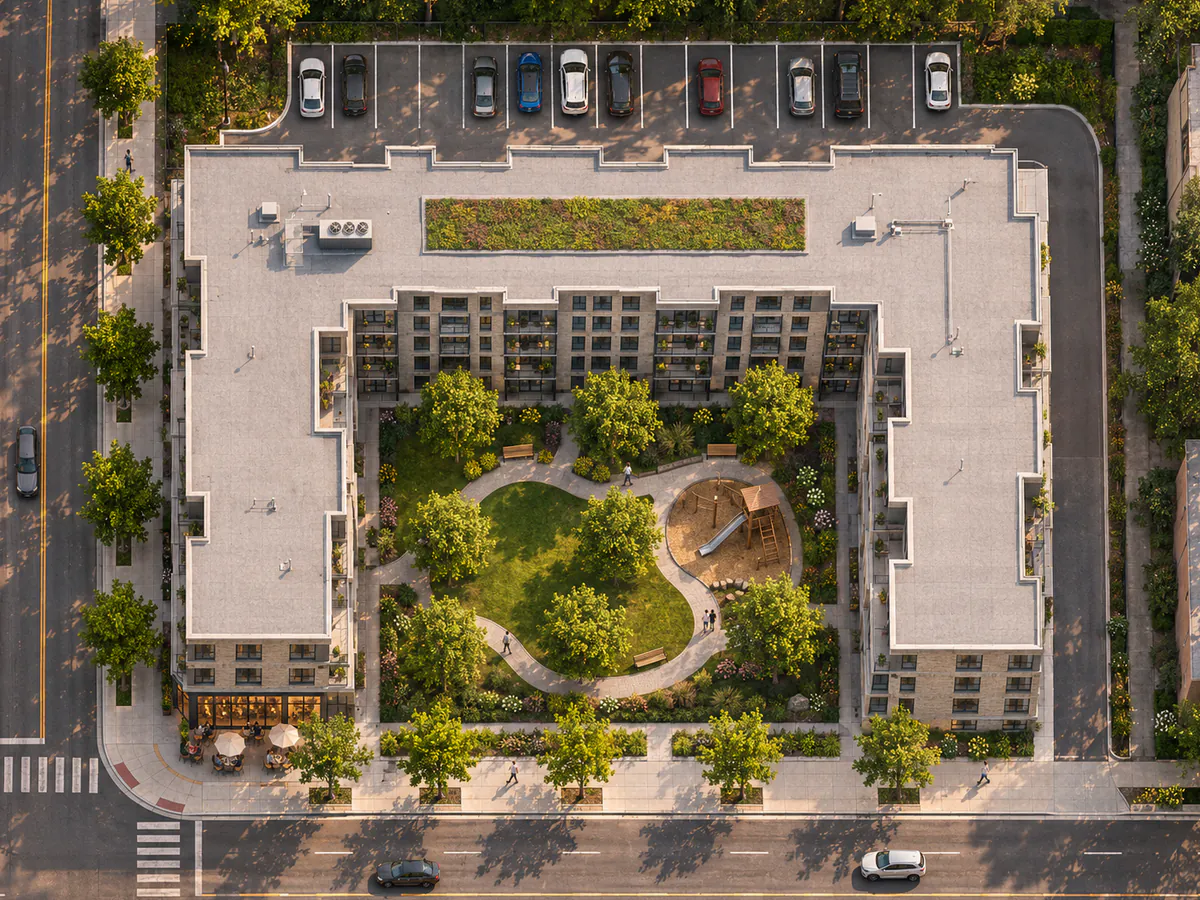
Every wing, path, tree and parking stall stays where it was drawn, now as an aerial photo in late sun.
Create a realistic image from your site plan, drawing or photo to show clients, neighbours and council.
15 free credits when you sign up, enough for 7 renders. No card needed.
A sketch, a site plan, a study model, a listing photo or a phone photo of the backyard. Pick a look and get a picture you can show clients, buyers or council.
Pick the style that suits the room. The warehouse, the tower and the canal stay where they are.
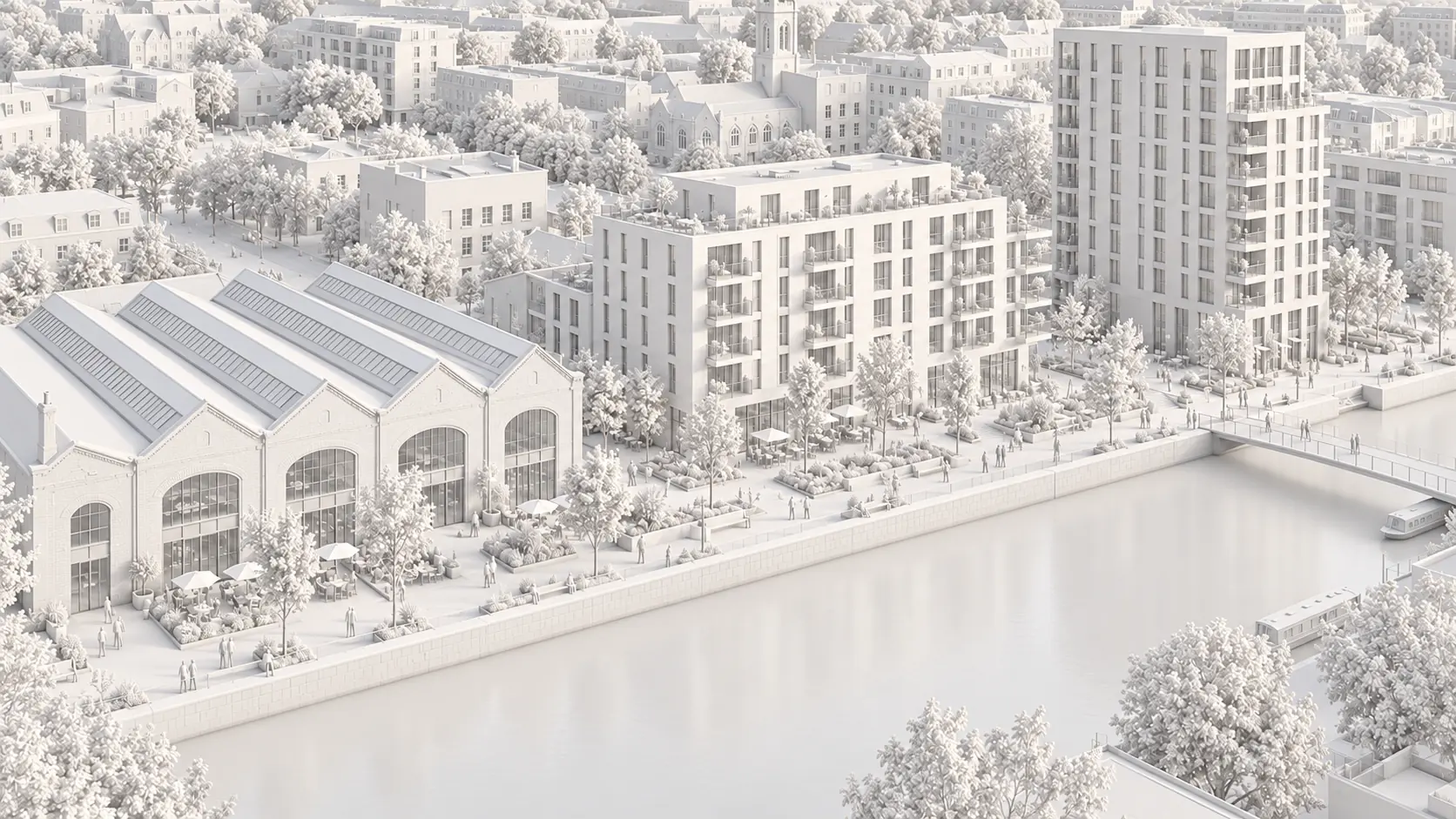
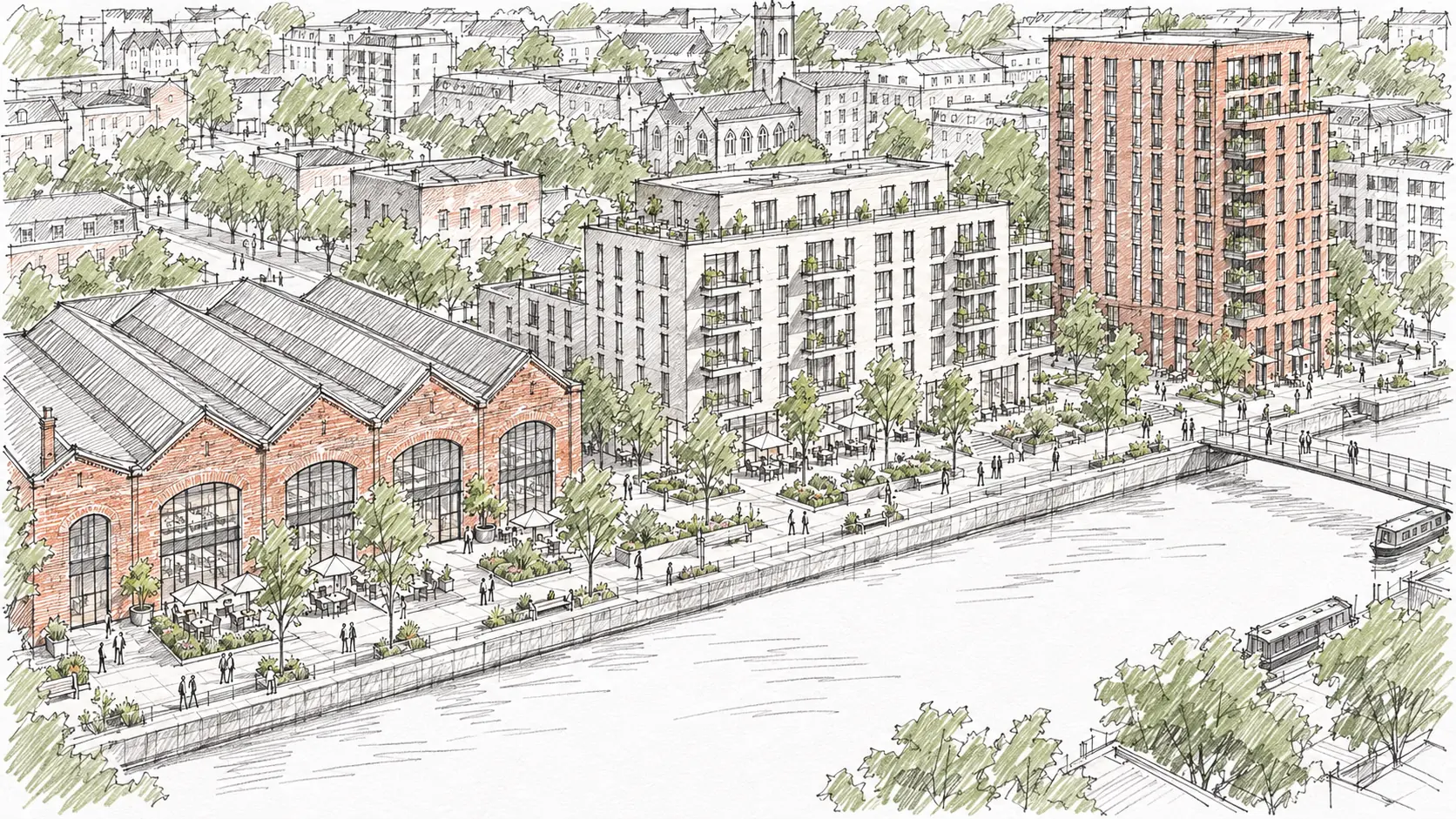
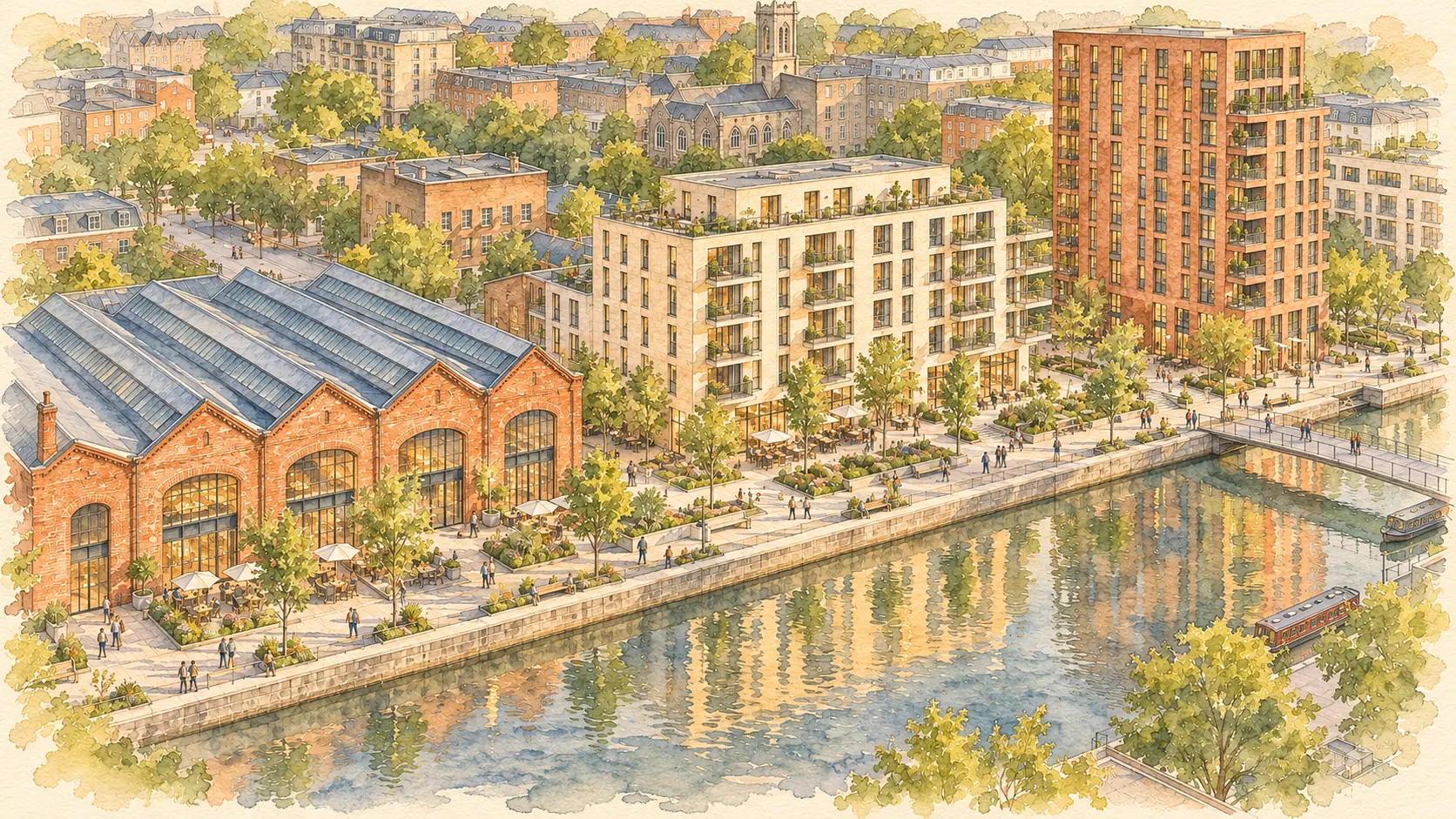
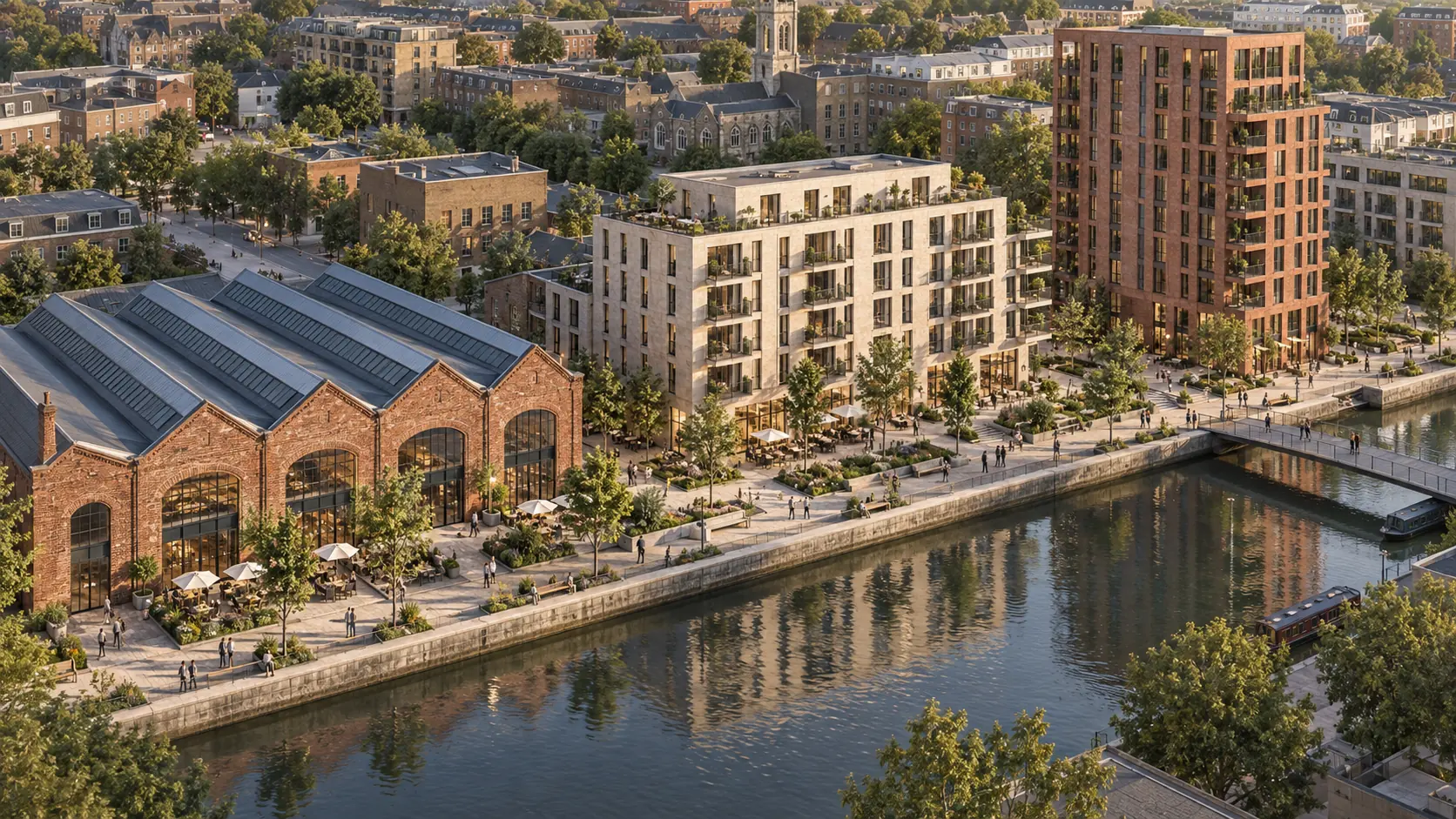
Your choices become the brief for the image model, and your upload stays the reference. You can read the brief before you render.
A site plan, elevation, floor plan, PDF page, model view or site photo, up to 20 MB.
Pick the style, viewpoint, materials and surroundings from short lists.
Download it, or ask for a change in plain words. Your first tweak is free.
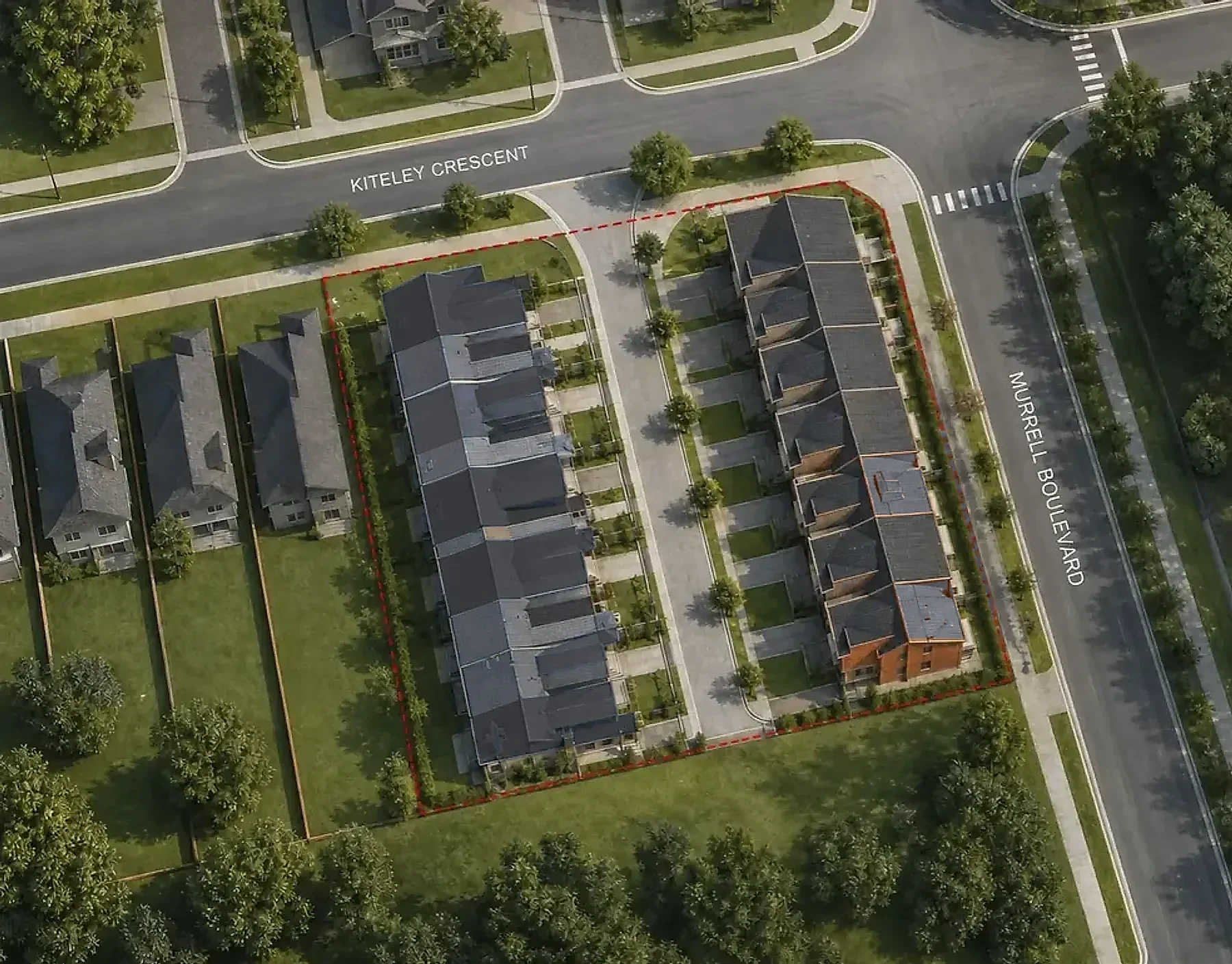
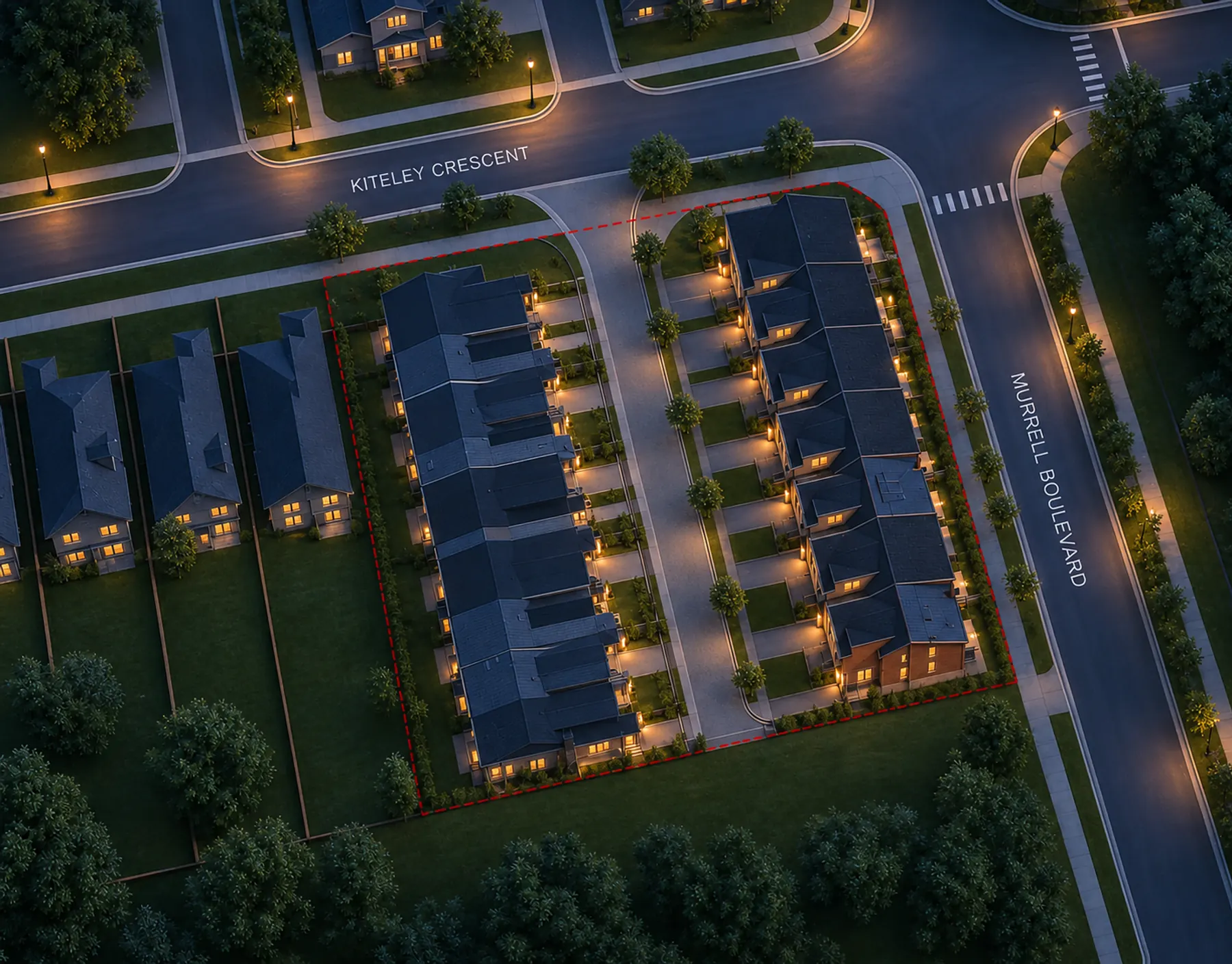
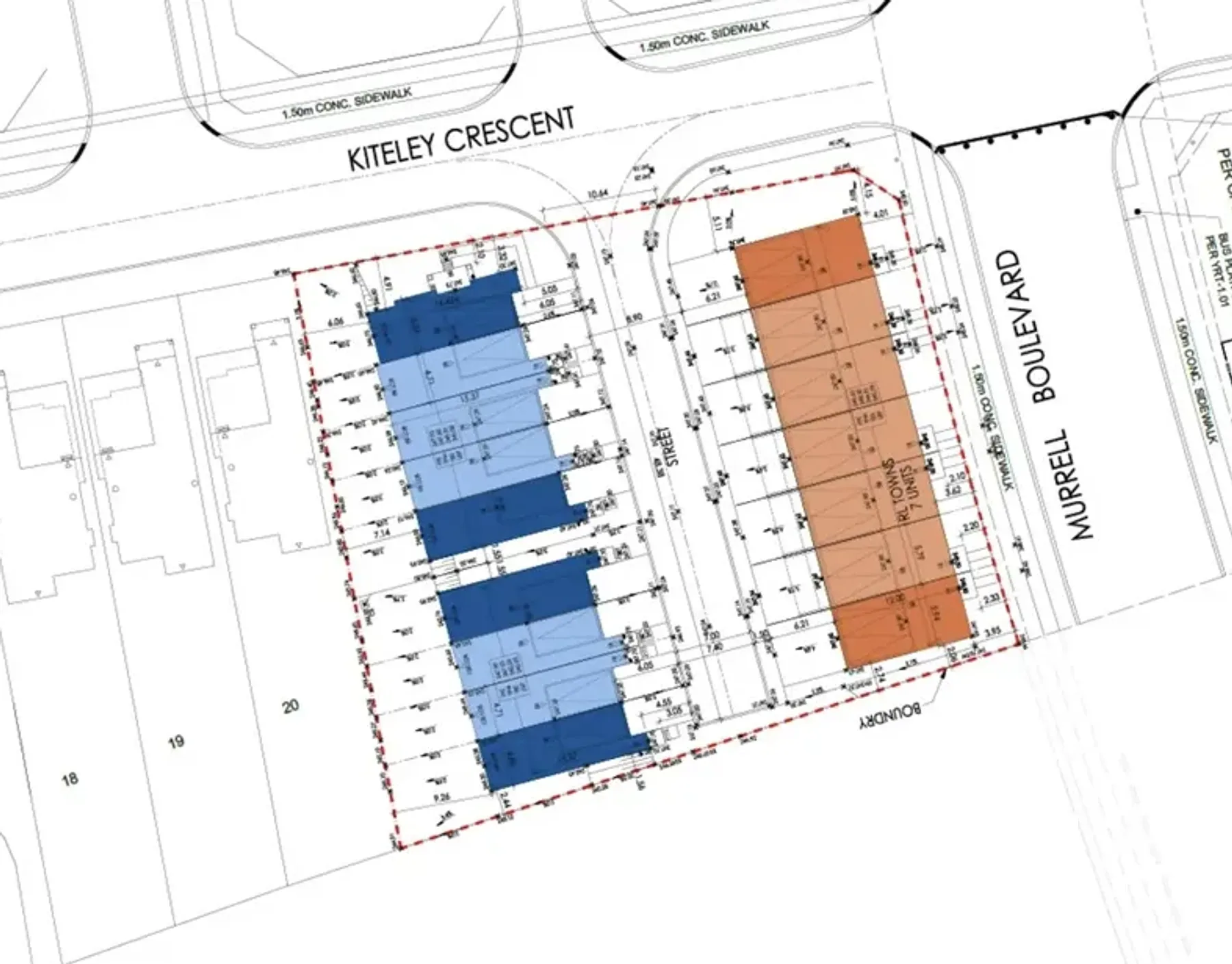
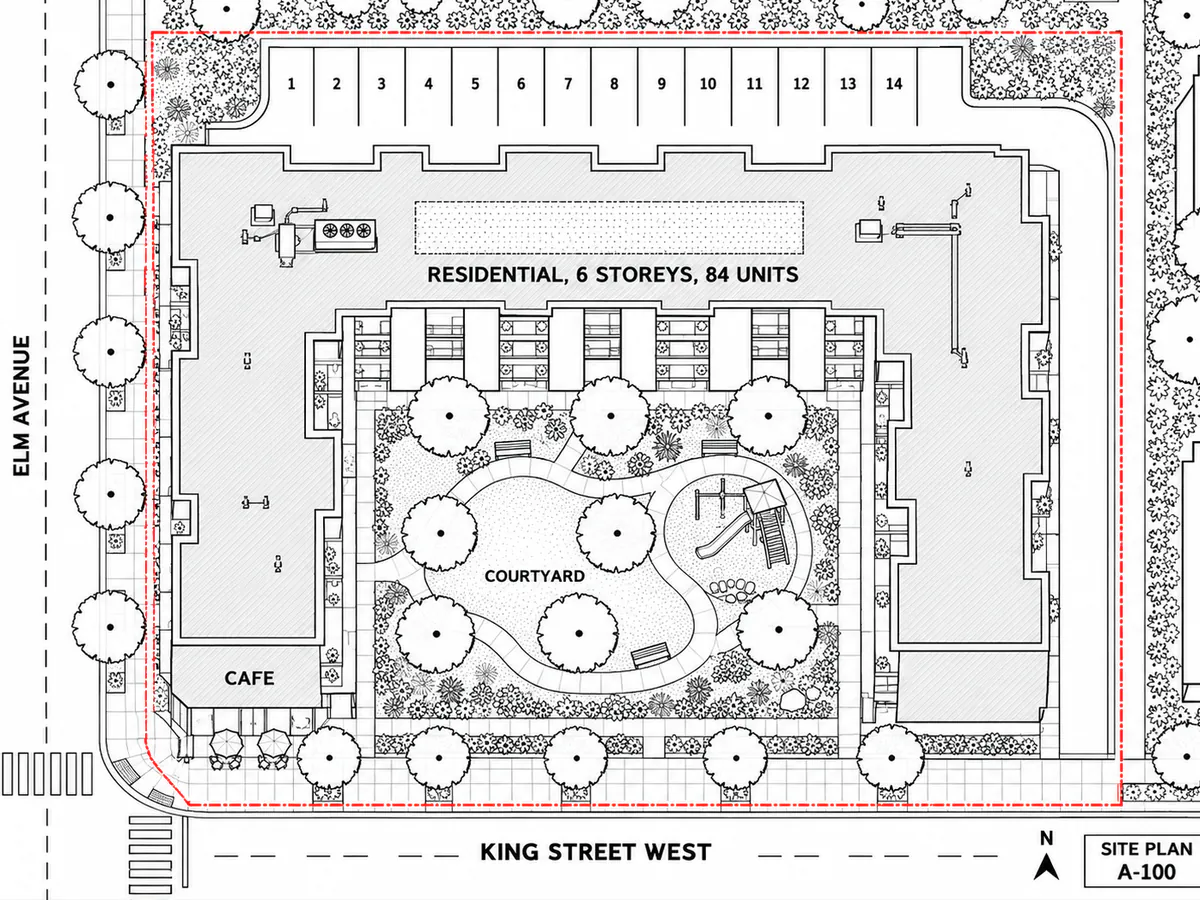
Three drawings and the renders made from them. The layout stays as drawn.
Every wing, path, tree and parking stall stays where it was drawn, now as an aerial photo in late sun.
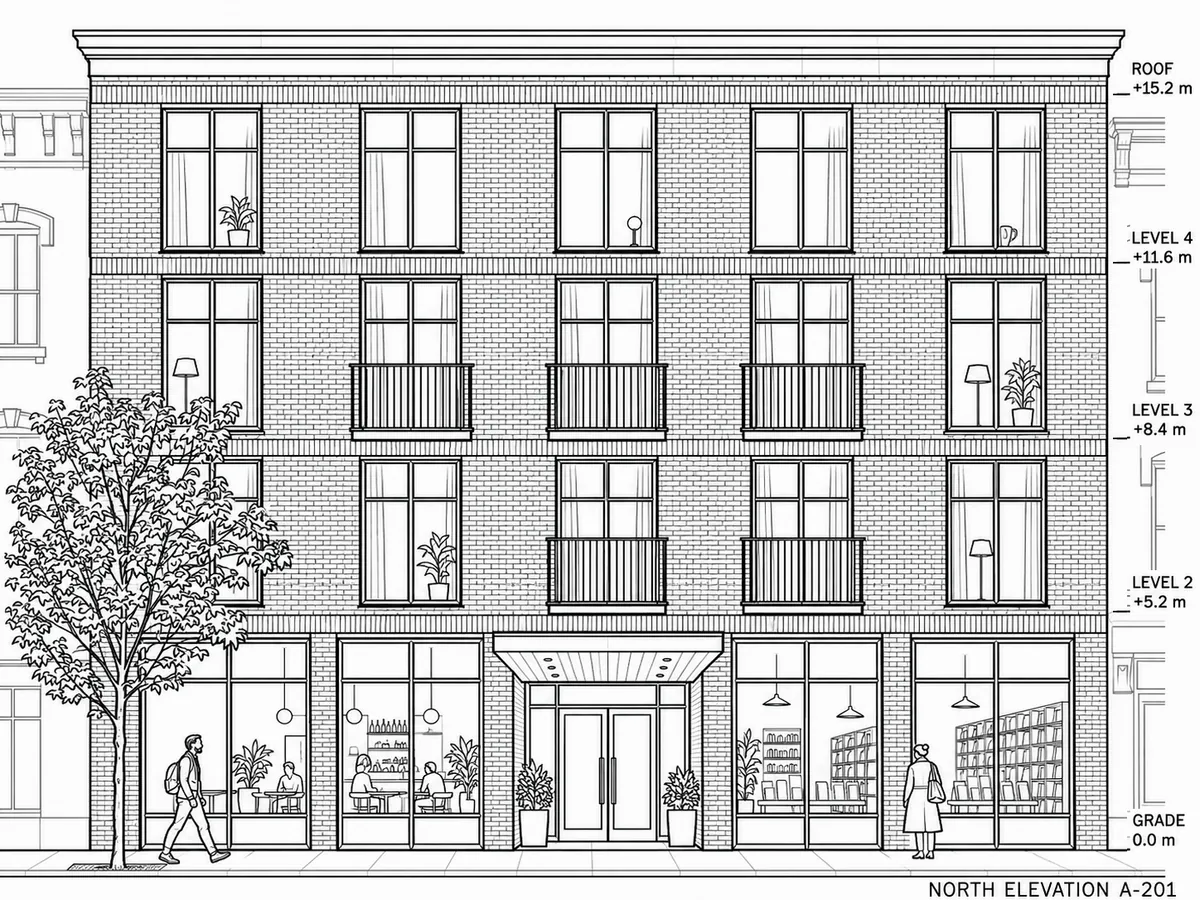
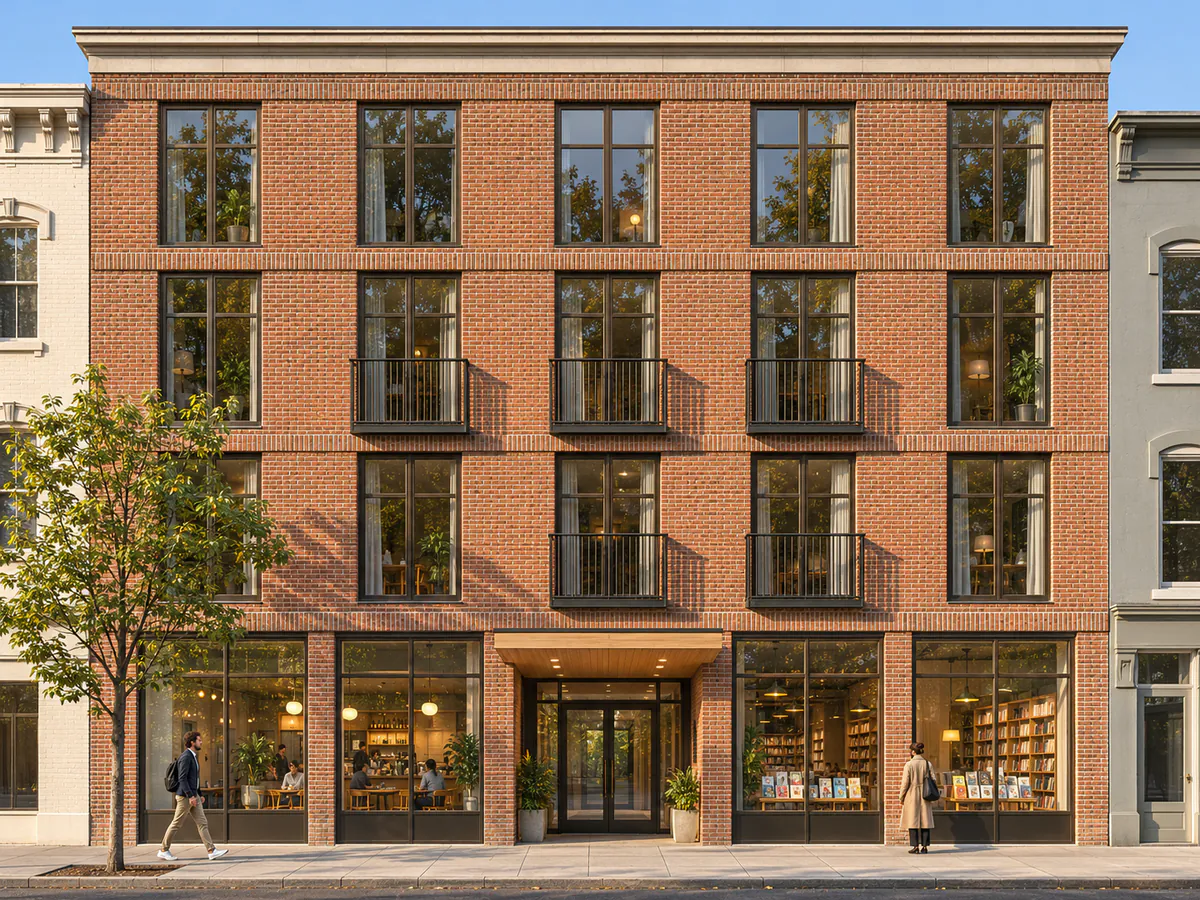
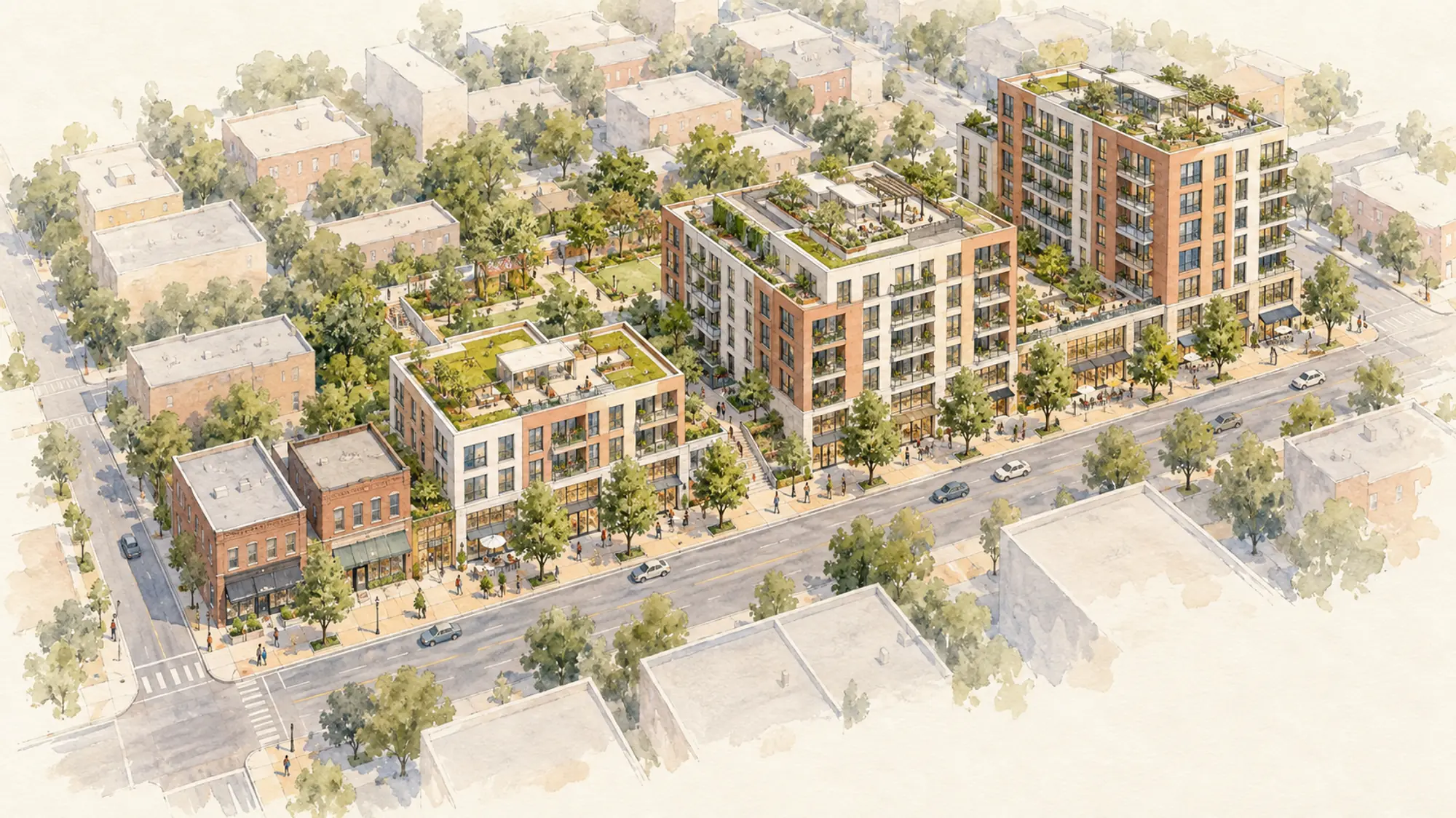
Each window, balcony and shopfront stays where it was drawn, now in brick and glass with the shops open.
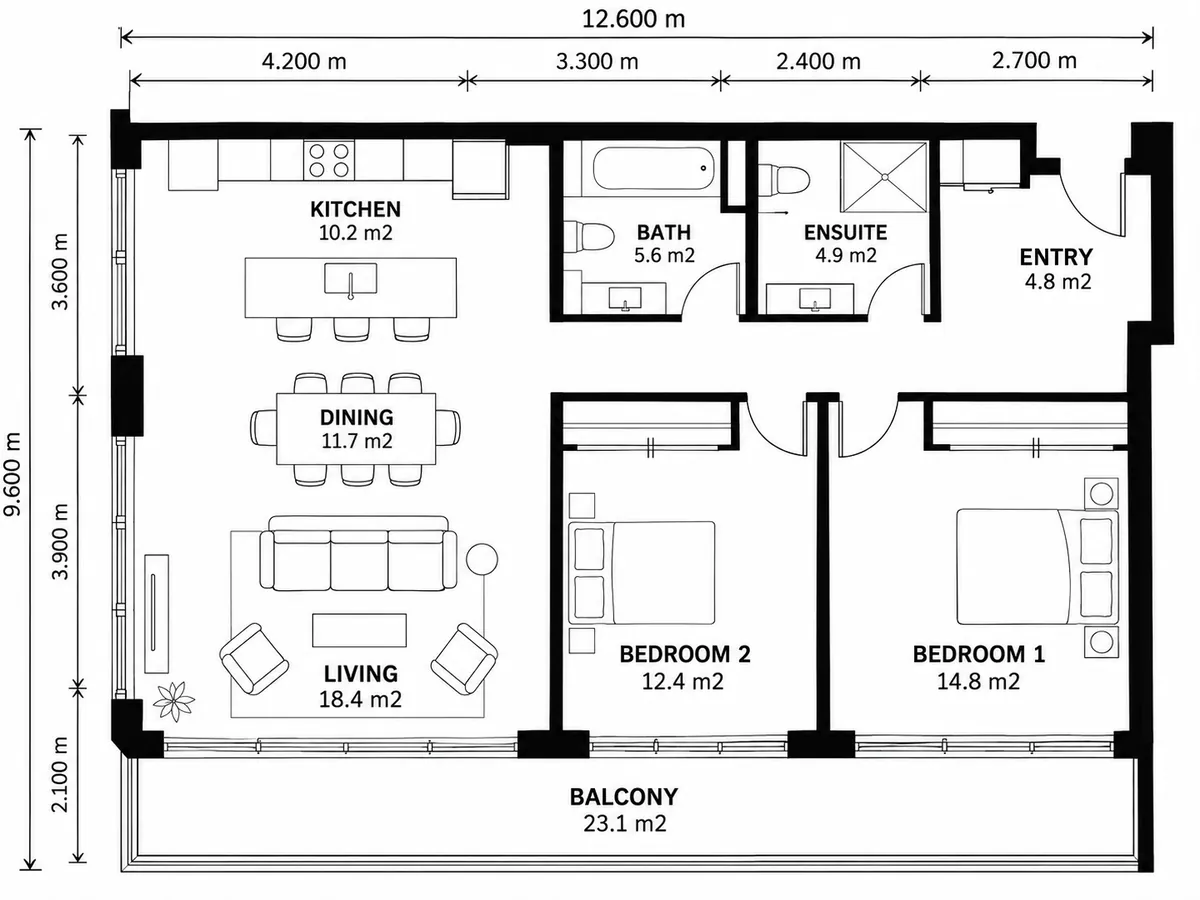
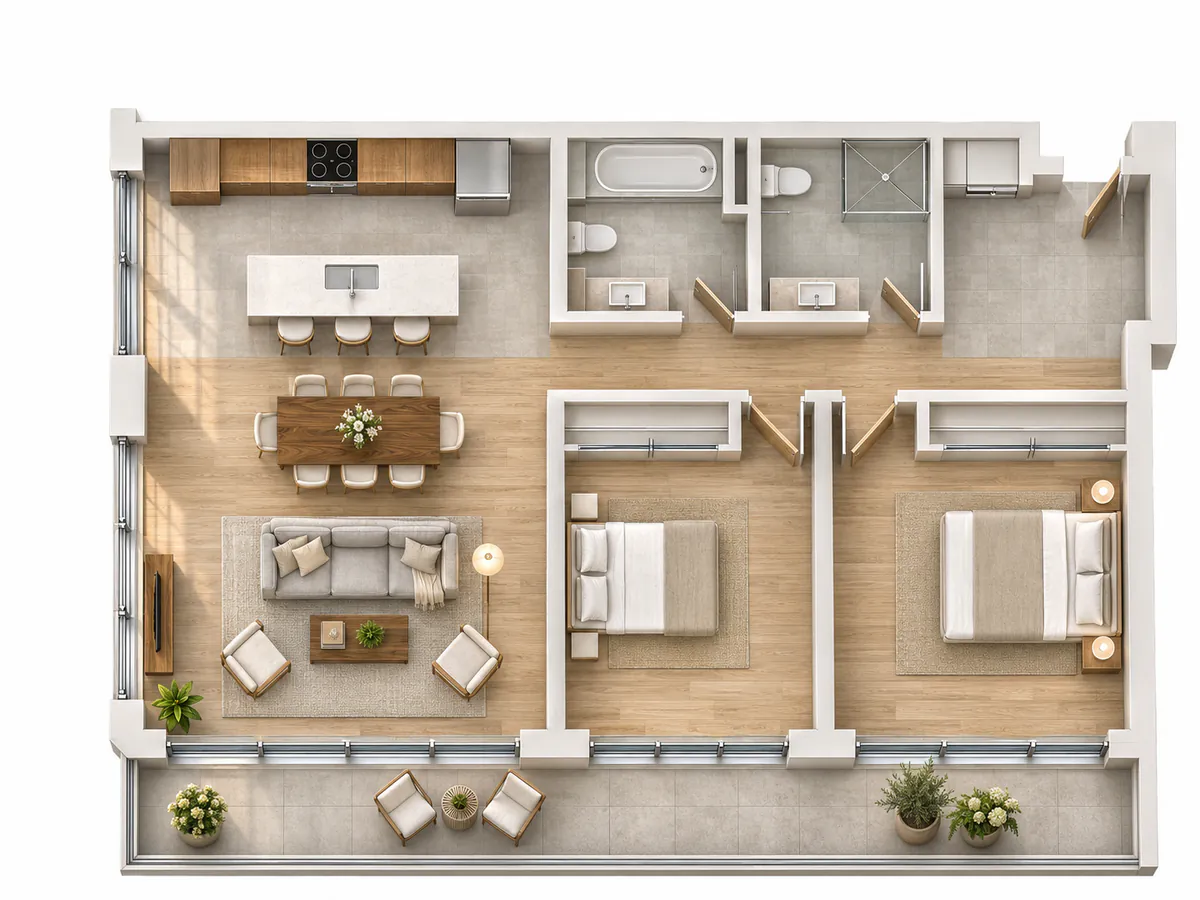
Walls, doors and rooms stay as drawn, now furnished for a client or buyer conversation.
Something else? Get in touch.
PNG, JPG, WebP, or PDF, up to 20 MB. Clean drawings with clear linework give the best results.
No. You get an image, not a CAD, BIM, or SketchUp model. It is made for concepts and presentations.
Each option you pick adds to the instructions sent to the image model. You can review them before you pay or use credits.
Yes. Describe the change in plain words, like "add street trees" or "make it dusk". Each new render includes one free tweak. Additional tweaks cost 1 credit each.
$1 CAD or 2 credits per new image, with one free tweak included. Additional tweaks are $0.50 CAD or 1 credit each. New accounts start with 15 free credits. If a render fails, your credits come back automatically.
Client meetings, pitch decks, and presentations. For planning, permitting, or investment decisions, have a qualified professional check the design against your source drawings.
Create an account and get 15 free credits, enough for 7 renders. No card needed.